Preview Translation Feature
The Preview Translation feature allows app operators to preview the translated version of the app without publishing the changes. This feature is particularly useful for verifying translation quality and ensuring the layout of the translated app is correct before making the changes public.
How It Works
When the Preview Translation feature is enabled, the SDK behaves as follows:
-
End users see the
publishedtranslations. These are the translations made public after clicking theSave and Publishbutton in the Wovn Dashboard.
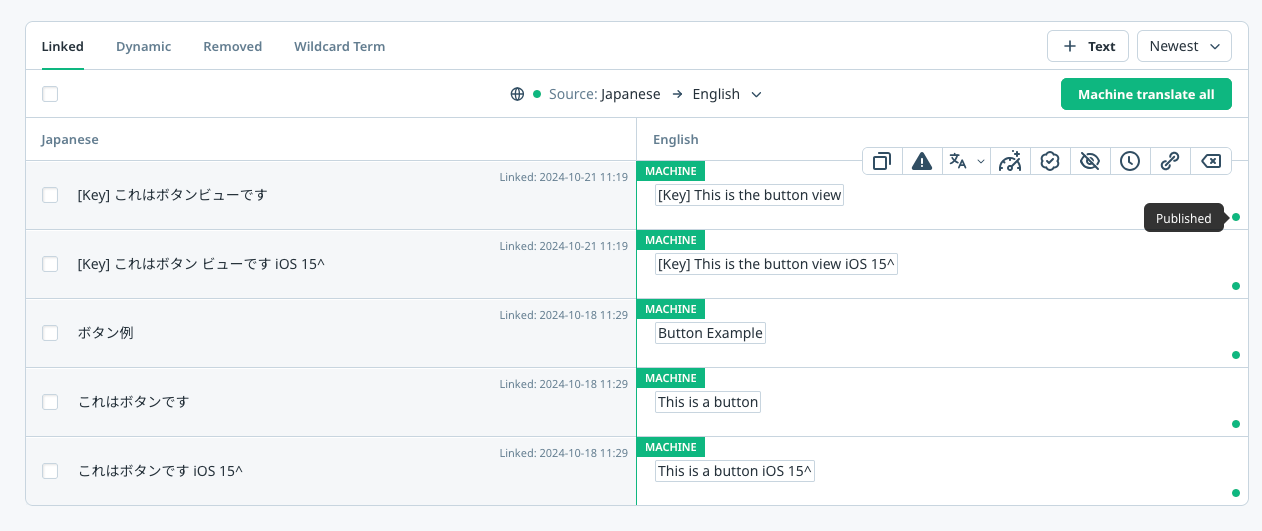
-
App operators see the
savedtranslations. These are the translations saved but not yet published, which can be previewed after clicking theSavebutton in the Wovn Dashboard.
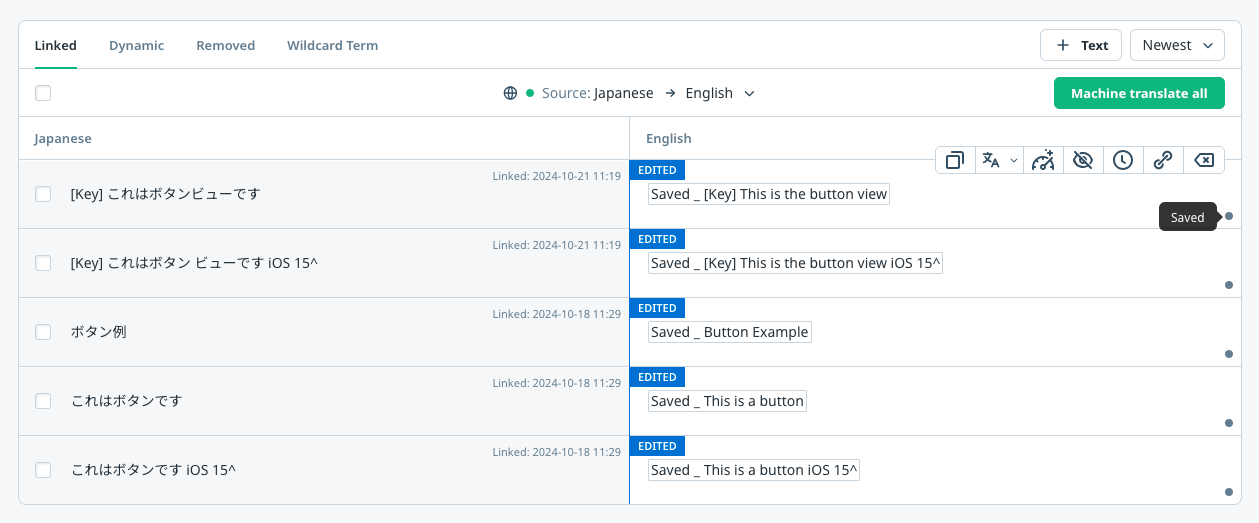
Prerequisites
To use Preview Translation, your device must be running in one of the following modes:
- Development Mode (v4): Server-side controlled via Client ID registration in the WOVN Dashboard
- Debug Mode (v3): Code-based activation using
isDebugModeparameter
Both modes enable the SDK to display saved (unpublished) translations on registered/debug devices.
How to Enable Preview Translation
To enable the Preview Translation feature, follow these steps:
-
Enable Development Mode or Debug Mode
Refer to the Getting Started section for instructions on enabling Development Mode (v4) or Debug Mode (v3) on your test devices. -
Update the
WOVNswift.plistFile
Addtranslation_preview_modeto theWOVNswift.plistfile:<key>token</key>
<string>YOUR_WOVN_PROJECT_TOKEN</string>
<key>translation_preview_mode</key>
<true/> -
Remove and Reinstall the App
Save the changes to theWOVNswift.plistfile and reinstall the app.
Result
- Devices with Development Mode or Debug Mode enabled will display the saved translations.
- Devices without these modes enabled will display the published translations.